We’ve just rolled out a fresh update to the LiveArt Designer, focused on making customization clearer for customers and smoother for teams behind the scenes.
From a cleaner interface to AI-powered image creation, this release is all about reducing friction, speeding up design decisions, and keeping users fully in the creative flow. Let’s take a look at what’s new.
What’s New in the LiveArt Designer
We’ve made many improvements to the designer to help users understand customization options more quickly and work more comfortably.
Updated UI for Clearer Customization
We’ve refined the designer interface to be easier to understand at a glance and more comfortable to work with during the customization process
What changed:
> Labeled tabs – clearer navigation and better context when switching between steps.
> Improved location placement – customization areas are easier to find and understand.
> Product location previews – each location now includes a visual preview, so users immediately know where their design will appear.
> Improved font sizing – better readability across the entire designer.
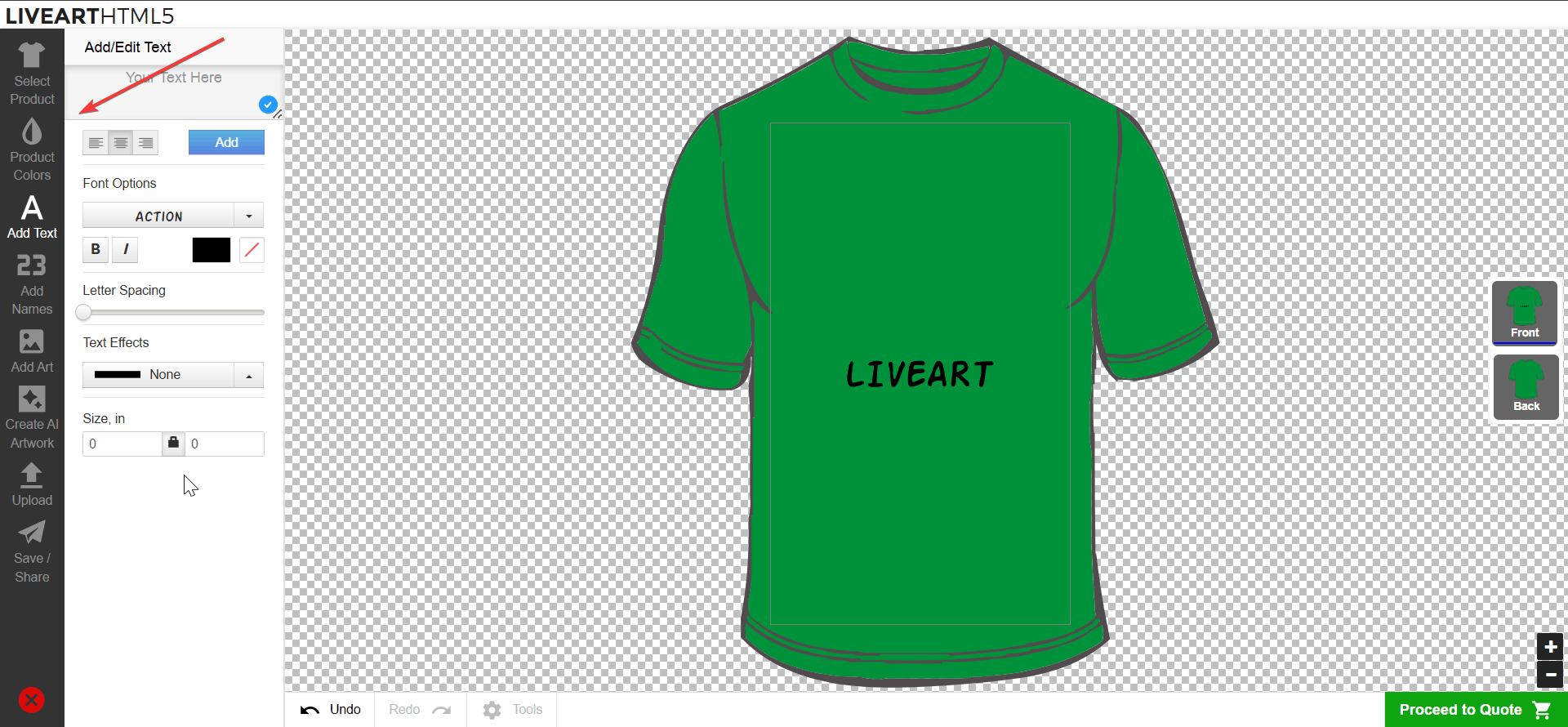
This means less confusion, faster choices, and a more seamless experience from the moment users start designing.
AI Image Generator: From Idea to Visual in Seconds
Design inspiration no longer starts with searching stock libraries.
With LiveArt’s new AI image feature, users can create images directly inside the designer simply by typing a prompt.
For example: “Cat and corgi in the park, cartoon style.”
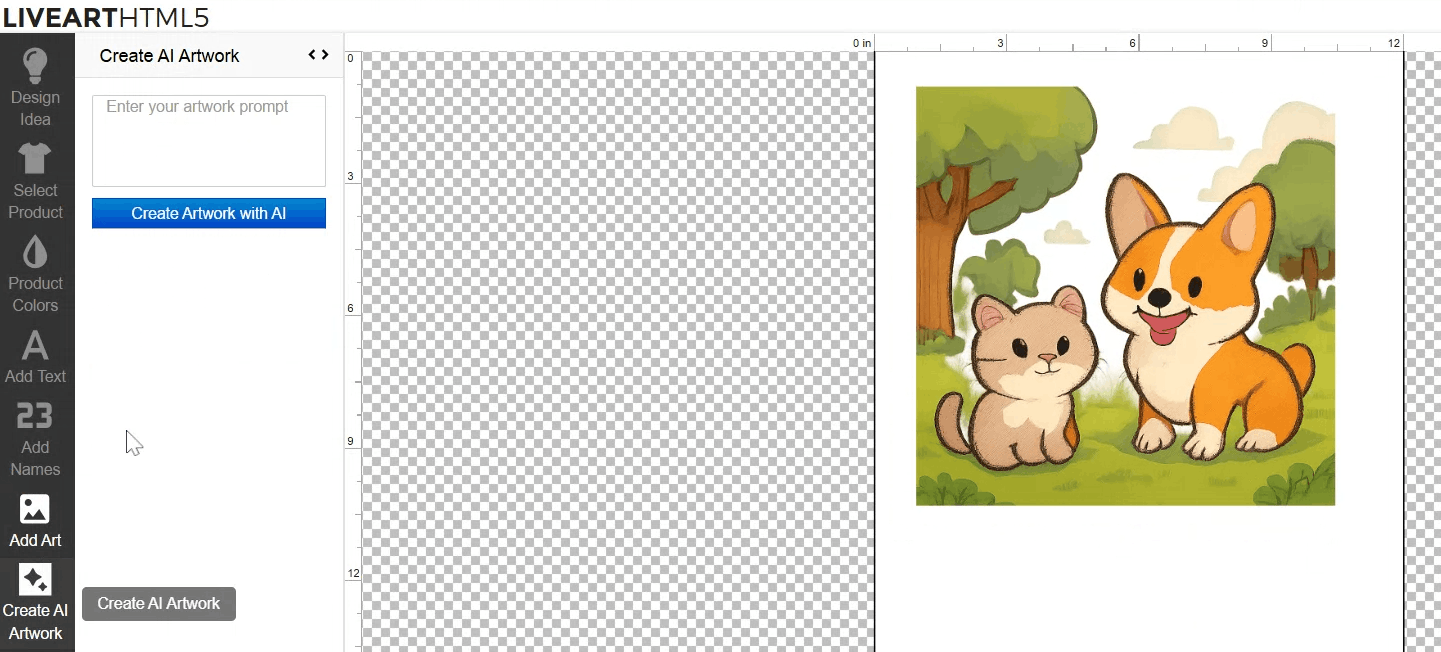
Within seconds, the AI generates ready-to-use images, even without a white background.
How it works:
> Users enter a text prompt and receive generated images instantly.
> They can choose the result they like best or generate new variations.
> Once approved, the image is applied directly to the product — or removed with a single click.
Customers stay inside the designer, experiment freely, and move forward once the design feels right. Ideas turn into visuals in one place, without breaking the design flow or relying on external tools.
What’s New in the LiveArt Control Panel
We’ve added new tools and backend improvements to help teams manage templates, product settings, and output files more efficiently.
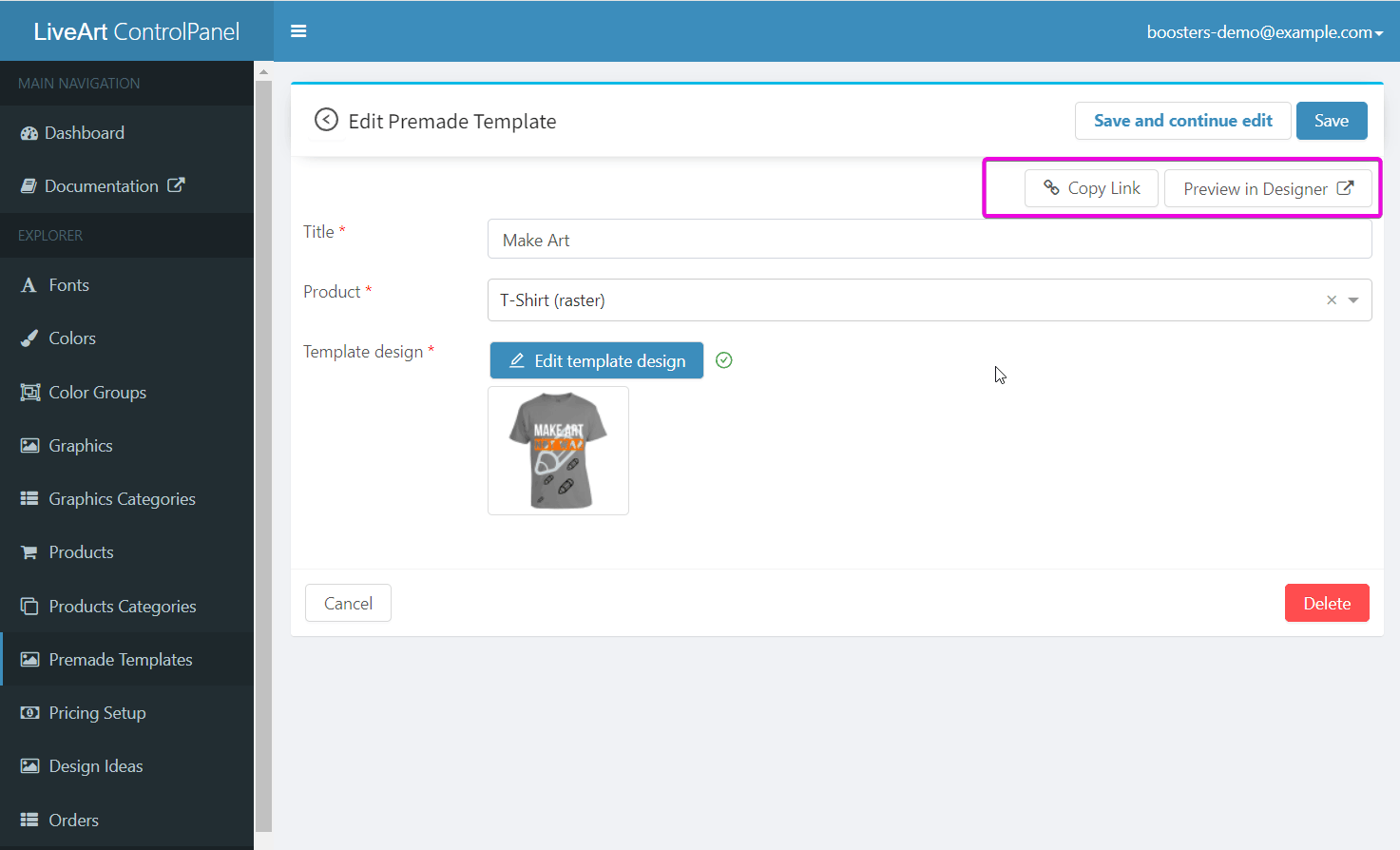
Direct Links to Premade Templates
Sharing ready-made designs is now easier and faster.
Admins can copy a direct link to any premade template straight from the LiveArt Control Panel and share it with customers when needed. This makes it simple to guide users to a specific starting point without extra instructions or back-and-forth.
Color Groups Assigned at the Product Level
Managing colors across products is now more flexible and scalable.
You can assign color groups directly to products, making it easier to control which colors are available in each context.
How it works:
> Each color group can contain its own set of colors.
> The same color can be reused across multiple color groups.
> Products can be matched to the color logic that best fits them.
This approach keeps color options consistent, organized, and easy to maintain, even across large catalogs.
Improved Output File Generation
Output file generation now runs through an improved system with:
> Queued processing for better performance under load
> Stronger error handling to reduce failed or interrupted exports
The result is a more stable workflow and fewer issues during production handoff.
These improvements are designed to support faster setup, smoother customization, and more reliable production. Explore the new features and see how they fit into your workflow!