Most CPQ (Configure-Price-Quote) solutions are built for enterprise manufacturing teams and traditional sales processes. That makes sense for some businesses. But what if you sell custom print products online? What if your customers need to choose options, see a preview, and send a quote request without going through a long sales cycle?
That is where web-to-print needs a different kind of CPQ approach.
For many print businesses, the goal is to make custom products easier to configure, price, and request online. You want customers to select product options without confusion, and you want your team to receive clear job details with fewer emails and fewer pricing mistakes.
This article looks at W2P CPQ from that angle. We’ll cover what CPQ means in web-to-print, what features matter most, and which type of tool makes sense depending on how your business sells.
What Manufacturing CPQ Software Means in Web-to-Print
If you’ve looked up CPQ before, you’ve probably seen it explained in a very enterprise-heavy way. Lots of talk about approvals, sales reps, backend systems, and complex quoting workflows. That is one version of CPQ. But it is not the only one.
For web-to-print CPQ, the idea is much more practical: help buyers configure products, apply pricing rules, and send a quote request with enough detail for your team to move fast.
What CPQ Software Does
CPQ stands for configure, price, quote.
At a basic level, CPQ software for manufacturing helps businesses guide customers or sales teams through product setup, apply the right pricing logic, and generate or support the quoting process. In traditional enterprise environments, this often means complex product catalogs, approval steps, CRM and ERP connections, and rep-led sales workflows.
That model makes sense when products are highly technical, quotes involve multiple internal stakeholders, or pricing depends on contracts and account rules.
Why Web-To-Print Businesses Need a Different Approach
Instead of a sales rep building every quote from scratch, customers often start the process themselves. They choose a product, select sizes or colors, define print areas, upload artwork, add personalization, and expect to see what they are ordering before submitting anything.
Web2Print CPQ is more about helping customers build the right product online while giving your team clean, production-ready request details. The quote is still important, but so are the preview experience, option logic, and the accuracy of the submitted job information.
Web-To-Print CPQ vs Enterprise CPQ
The difference comes down to how the business sells.
> Enterprise CPQ is usually built for rep-led quoting. It focuses on approvals, account-based pricing, CRM or ERP workflows, and internal process control.
> Web-to-print CPQ is built around customer-facing configuration. It focuses on self-serve product setup, pricing rules, visual proofing, and quote requests that capture the right order details from the start.
What to Look for in CPQ Software for Web-to-Print
Once you define CPQ through a web-to-print lens, the evaluation gets much clearer. You are not just looking for a quoting engine. You are looking for a tool that helps customers build the right product and helps your team review requests without wasting time on missing details or manual corrections.
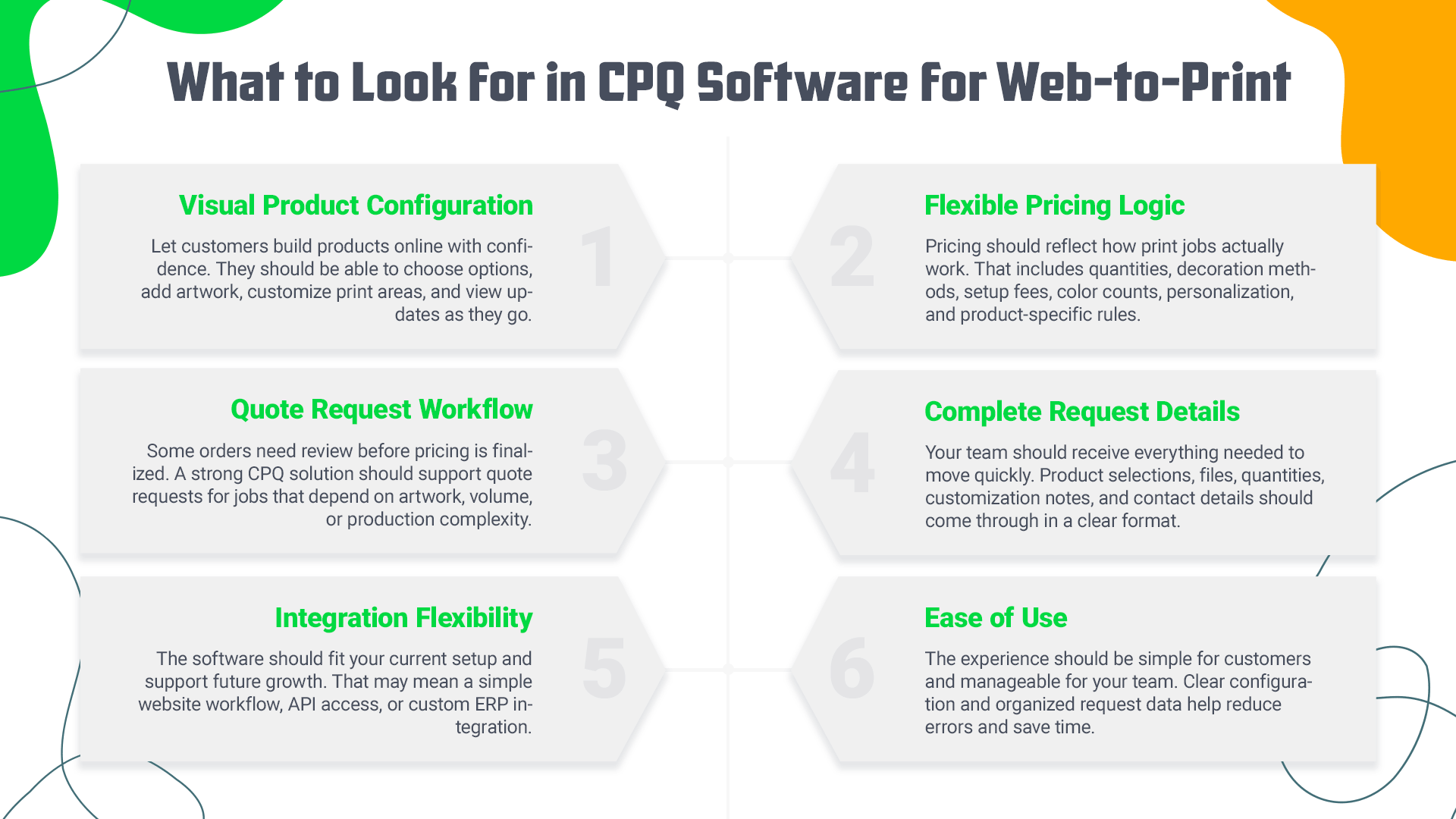
Here are the features that matter most:
> Visual product configuration: Customers should be able to build products online and see what they are creating as they go. That includes selecting options, adding artwork, colorizing print locations, and reviewing a live preview before submitting a request.
> Flexible pricing logic: The software should support pricing rules that reflect real print workflows. Think quantities, decoration methods, setup fees, color counts, print areas, personalization, and product-specific option logic.
> Quote request workflow: Not every custom product should go straight to checkout. In many cases, it makes more sense to let customers submit a quote request, especially when pricing depends on artwork, volume, or production details that need review.
> Accurate design and order details: A quote request should give your sales or production team enough information to act quickly. Product choices, uploaded files, customization details, quantities, and contact information all need to come through clearly.
> Integration flexibility: Some businesses need a simple website setup. Others need API access or custom ERP connections. A good solution should fit your current workflow and leave room for more advanced integration later.
> Ease of use: The system should be easy for customers to understand and easy for your internal team to manage. If the configuration feels confusing or the request data comes in messy, the tool creates more work instead of less.
How to Evaluate CPQ Tools for Web-to-Print
Not every business needs the same kind of CPQ setup. Some need a faster self-serve flow. Others need better quote capture and manual follow-up. Before choosing a tool, it helps to look at a few practical questions:
> Self-serve vs sales-assisted quoting
Do you want customers to configure products on their own, or submit a request for your team to review? Some workflows need instant online actions. Others work better with manual quoting.
> How complex your product setup is
Think about option logic, print locations, size and color combinations, quantity tiers, and custom add-ons. The more complex the product, the more important it is to clearly control the configuration flow.
> How much automation do you really need?
Not every business needs enterprise-level automation. Sometimes the bigger need is cleaner quote intake, clearer job details, and less manual back-and-forth.
> What happens after a quote request is submitted?
In some systems, the process is automated. In others, the request is routed to an admin or the sales team for review and follow-up. The right setup depends on how your business sells.
A good CPQ tool should match your real workflow, not push you into a process that feels too heavy for the way you work.
Best CPQ Software for Web-to-Print
Not every CPQ tool is built for the same kind of business. Some are designed for large quoting operations with complex internal workflows. Others are built for online product customization, visual proofing, or quote-based selling. That is why it helps to look at the main tool types first, then decide which model matches your sales process.
Best for Enterprise Manufacturing Workflows
CPQ for manufacturing is usually built for larger companies with more complex internal processes. They often support deep product logic, approval chains, account-based pricing, and stronger ERP or CRM connections.
Examples include:
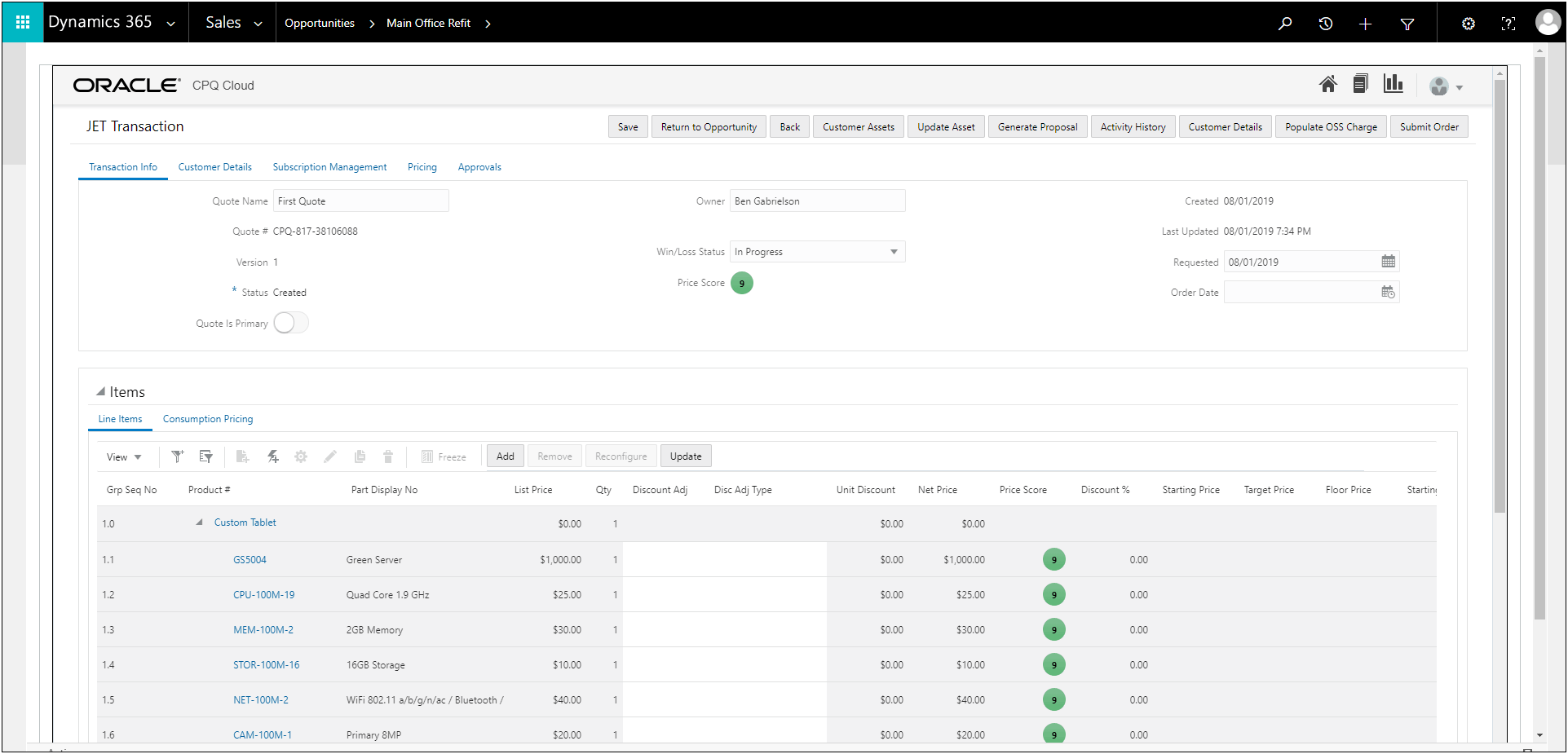
> Oracle CPQ — positioned as an enterprise-grade CPQ engine for complex quoting environments and connected revenue workflows.
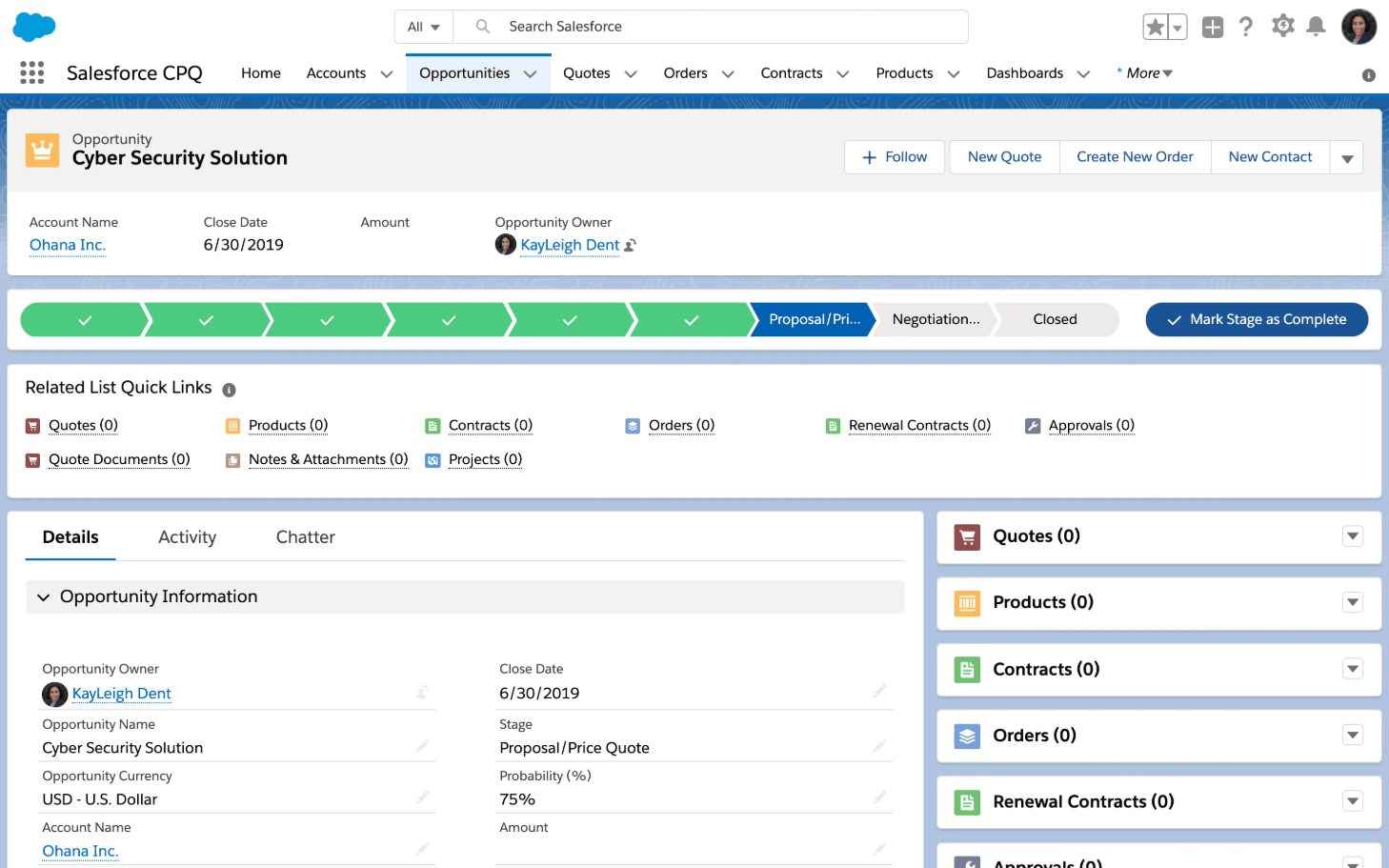
> Salesforce CPQ — commonly framed around broader revenue operations, sales workflows, and enterprise configuration use cases.
> Epicor CPQ — known for handling complex product configuration and quoting, especially in manufacturing-focused environments.
If your business runs on rep-led quoting, layered approvals, and deep backend process control, this category may be the right fit.
Best for Direct-to-Cart Product Customization
Some businesses want customers to configure a product and check out immediately, with no quoting step involved. These tools are built around that direct-purchase model, where pricing is fully calculated during configuration, and the order goes straight to the cart.
Examples include:
> Kickflip — focused on product customization, live previews, dynamic pricing, and quick deployment for ecommerce teams.
> LiveArt — supports direct-to-cart checkout through its e-commerce integrations with Shopify, WooCommerce, and Magento, with real-time product previews and print-ready output files included in the order.
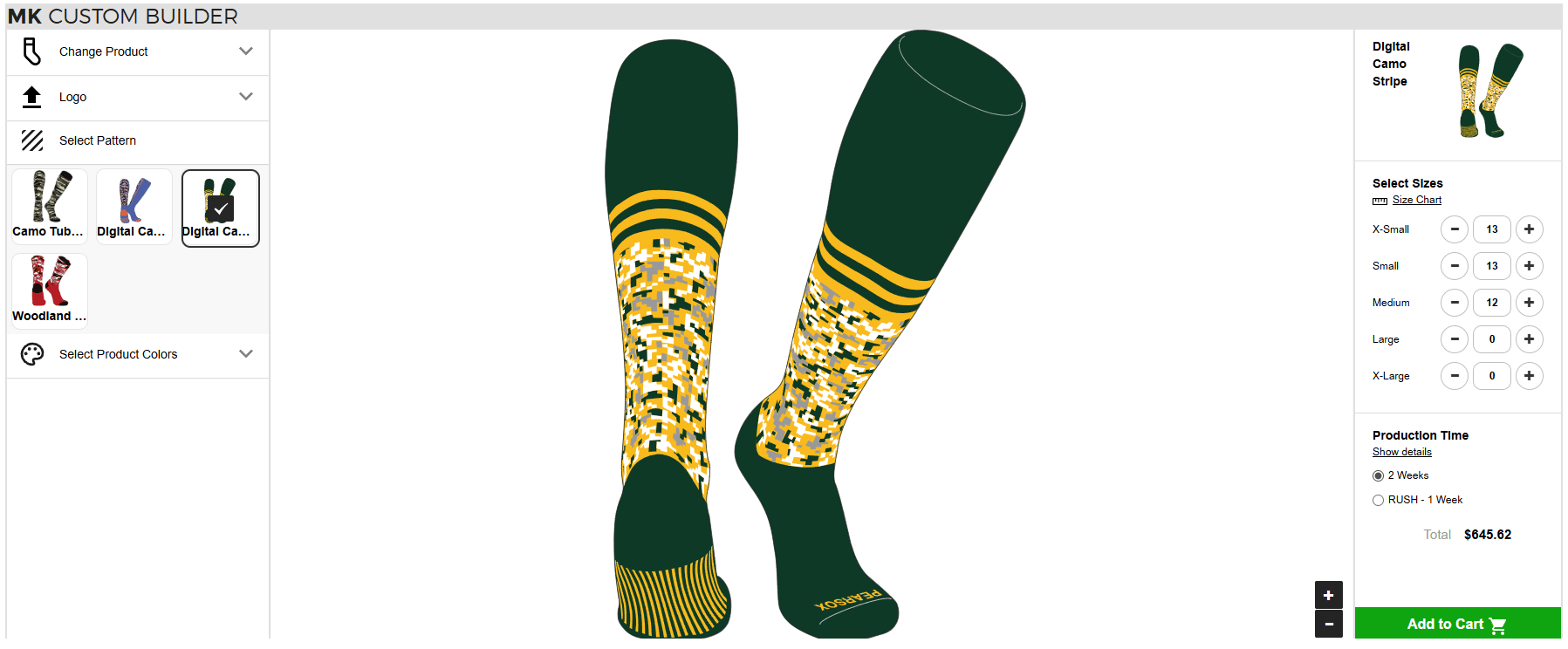
> Customily — built around product personalization for online stores, including custom text, images, and design changes on the storefront.
> Threekit — often used when brands want richer 3D or immersive product configuration experiences for online selling.
This category makes the most sense when the goal is to let customers build and personalize products online with as little friction as possible.
Best for Visual Quote Requests in Web-To-Print
This category fits businesses where customers need to configure products and preview them, but pricing still requires manual review before it can be confirmed. Instead of going straight to checkout, customers submit a quote request with their design, product choices, and contact details.
Examples include:
> LiveArt Get a Quote Tool — built for product configuration with real-time preview and quote submission without direct checkout.
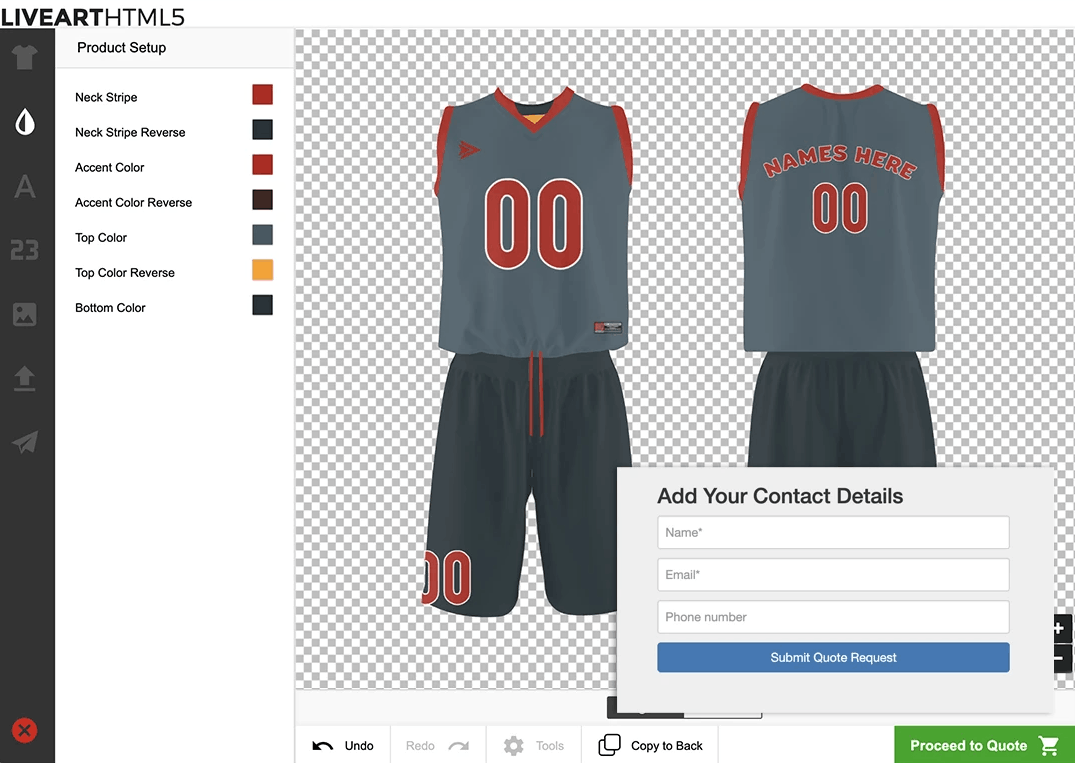
> OnPrintShop — offers web-to-print workflows with online designer tools and quote-related capabilities for print businesses.
This type of tool is often the best fit for print businesses that need visual configuration and cleaner quote capture, not a heavy enterprise quoting stack.
Best for Businesses That Need Custom Implementation
Some businesses need a tool that covers the core use case out of the box but still leaves room for API work, custom workflows, or additional integrations later. That matters when quoting and product setup need to connect with internal systems or a specific storefront setup.
Examples include:
> LiveArt — supports API-based integration, custom setups, and use as either an ecommerce designer or quote tool.
> Epicor CPQ — often used in more customized environments with advanced configuration logic and broader systems integration needs.
> Salesforce CPQ — a fit for companies that want CPQ as part of a more configurable revenue operations stack.
This category makes sense when you know your workflow will require more than a standard setup, but you still want to start with a platform rather than build everything from scratch.
The best fit depends less on the CPQ label and more on how your quoting process works day to day. If your business sells configurable print products online, the strongest option may be the one that gives customers a clear visual flow and gives your team better quote-ready information from the start.
Where LiveArt Fits in the CPQ Landscape
LiveArt fits the space between basic product personalization and heavy enterprise CPQ. It gives web-to-print businesses a practical way to move custom quoting online without adding unnecessary complexity.
LiveArt works best as a light CPQ solution for custom products. Customers can configure products, see real-time previews, and submit quote requests with the key details your team needs to move forward, such as customers' information, order details, and PDF output files.
That means a smoother experience for buyers and a cleaner workflow for your team.
What Liveart Is Best For
LiveArt is a strong fit for businesses selling:
> Custom print products
> Decorated apparel
> Uniforms
> Signs and banners
> Promo products
It works especially well when customers need to personalize products before pricing is confirmed.
What Liveart Helps You Do
With LiveArt, you can:
> Let customers configure products online
> Show real-time previews
> Collect quote requests instead of forcing checkout
> Capture customer, design PDF output, and order details in one flow
The result is a faster quote process, better request quality, and less manual back-and-forth.
What to Know Before Choosing Liveart
LiveArt is best for businesses that want a better visual quoting workflow, not a heavy enterprise CPQ setup.
> Quotes are submitted as requests and followed up manually
> ERP integration is possible through custom development
> The platform is built for flexible, quote-based web-to-print selling
For many custom product businesses, that is exactly the right balance.

Who Can Choose a Lighter Web-to-Print CPQ Tool
Not every business needs a full enterprise CPQ platform. In many cases, a lighter web-to-print solution is the better fit because it matches how custom products are sold online.
> Businesses selling configurable print products online
If your customers need to choose product options, upload artwork, add personalization, or review a design before ordering, a lighter CPQ-style tool usually makes more sense than a heavy enterprise system.
> Teams that need visual proofing before quoting
For many print businesses, the preview is part of the sales process. Customers want to see what they are requesting, and your team wants fewer mistakes before a quote is reviewed.
> Companies that want better quote capture without enterprise complexity
Some businesses do not need layered approvals or deep backend automation. They need a cleaner way to collect quote requests, product details, and customer information in one place.
> Merchants who want a practical first step before investing in full CPQ
A lighter tool can be a smart starting point. It helps improve the quoting workflow now, without forcing the business into a more complex setup too early.
Conclusion
If your process relies on visual configuration, quote requests, and manual review before pricing is confirmed, a lighter CPQ-style tool is often the better fit. You do not always need enterprise quoting software with complex approvals and deep backend workflows. In many cases, you need a simpler way to help customers build products online and help your team receive better quote-ready information.
Want to make custom quoting easier for your customers and your team?
LiveArt helps you bring product configuration, real-time previews, and quote request capture into a single workflow, so you can capture better requests and move faster on custom orders.
Book a demo to see how LiveArt can support your web-to-print quoting process.